Quote a load once.
It stays one record to the invoice.
↓Scroll to explore
Aggregates
Enter it once.
Your vendors, their pits, your haulers and their rates are saved and ready for every quote after.
Get warned.
If a price has changed since you last used it, you see it before the quote goes out.
Let Smart Select pick.
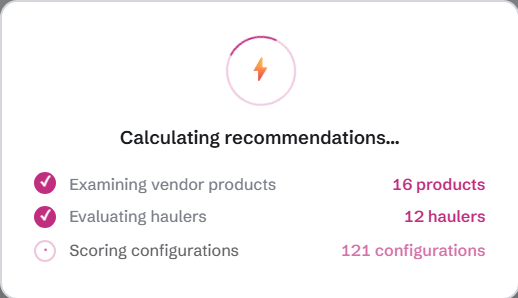
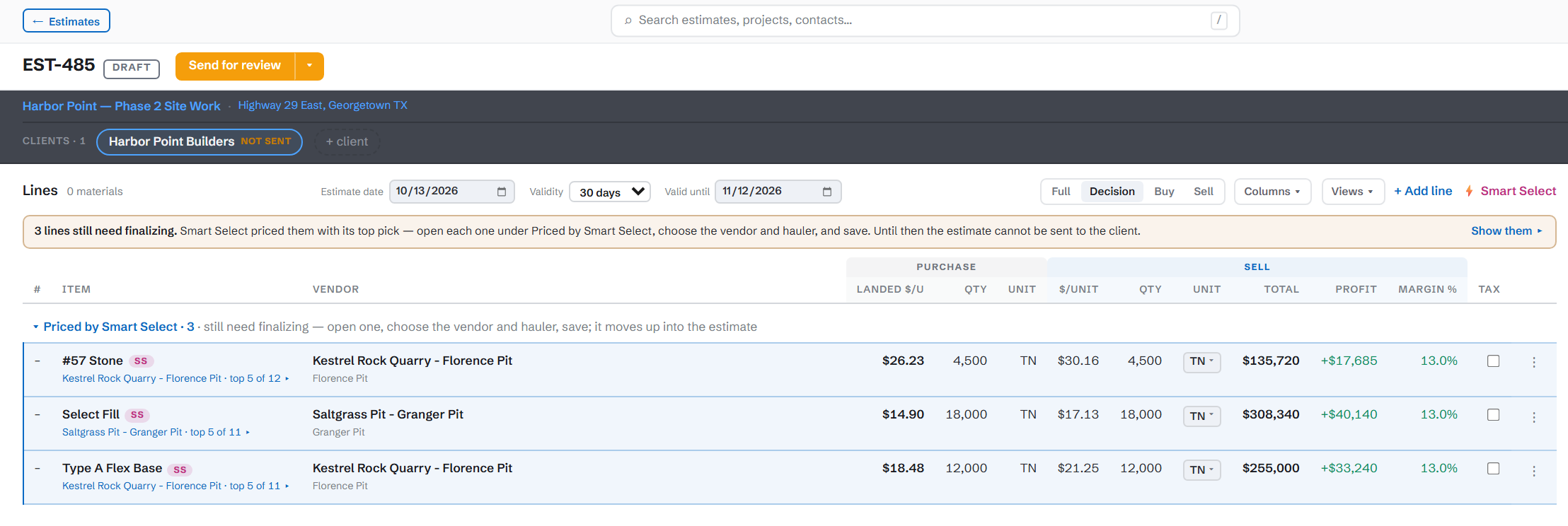
It prices every vendor-and-hauler combination on real road miles and shows you the cheapest delivered price.
01 — Smart Select
Every vendor and hauler you could use, priced on real roads.
Cheaper stone isn’t a cheaper job. Smart Select prices the stone and the trucking together, for every pit and hauler you could use, and shows you the cheapest delivered price.
Two pits, one job — which is cheaper?
| Pit A | Pit B | |
|---|---|---|
| Tons on the job | 150,000 | 150,000 |
| Road miles to the job | 12 | 15 |
| Stone, per ton | $20.50 | cheaper stone$20.00 |
| Trucking, per ton | $5.00 | $6.25 |
| Delivered, per ton | cheaper job$25.50 | $26.25 |
| 75¢ a ton × 150,000 tons = $112,500 competitive edge! | ||
Pit B’s stone is 50¢ cheaper, but its extra 3 miles cost $1.25 a ton in trucking, so Pit A is 75¢ a ton cheaper delivered. Keep the difference, or bid that much lower than whoever bought the cheap stone.
02 — Quote to cash
Six steps. One record. Each one refuses to run early.
From the quote to the invoice it’s the same record. Nothing is typed twice, and no step can start before the one before it is done.
03 — Dispatch
The board refuses to dispatch what billing hasn’t cleared.
It doesn’t just warn. It refuses the dispatch and names what’s missing — card not on file, terms not approved — and only an administrator can clear it.
- Drivers answer by text. “10-4”, “on it” or “can’t” marks the job accepted or declined.
- Revise a dispatch and the original stays on record; the new one points back at it.
- Every text is logged, and a reply that comes in is never dropped.
04 — Billing & tickets
Sold, promised and delivered stay three different numbers.
Each truckload is logged with its scale ticket, and the invoice is built from the tickets — so you bill what actually arrived, not what was ordered.
- A ticket can be on one invoice only. A second try is refused, not double-billed.
- Voiding an invoice frees its tickets to bill again, so the work isn’t lost with the paper.
- The bill-to address is frozen on the invoice, so a later edit doesn’t rewrite history.
05 — Rate sheets & quick quotes
A published price list, priced by the same engine.
Every material and city on your rate sheet is priced by Smart Select, marked up, and published as a dated issue.
- Choose how it sources: the cheapest pit anywhere, one vendor’s pits, or one pit you pin.
- Run it again and only the prices that changed or failed are recalculated.
- Quick estimate: the full line editor with no estimate behind it — a delivered price for a phone call.